
Secret Store

Apple’s keychain. Apple’s encryption. Your secrets.

The same iCloud Keychain behind Apple’s Passwords app — now for everything that isn’t a login.

API keys, recovery codes, private notes, SSH keys, GPG keys, and more.

What Secret Store does

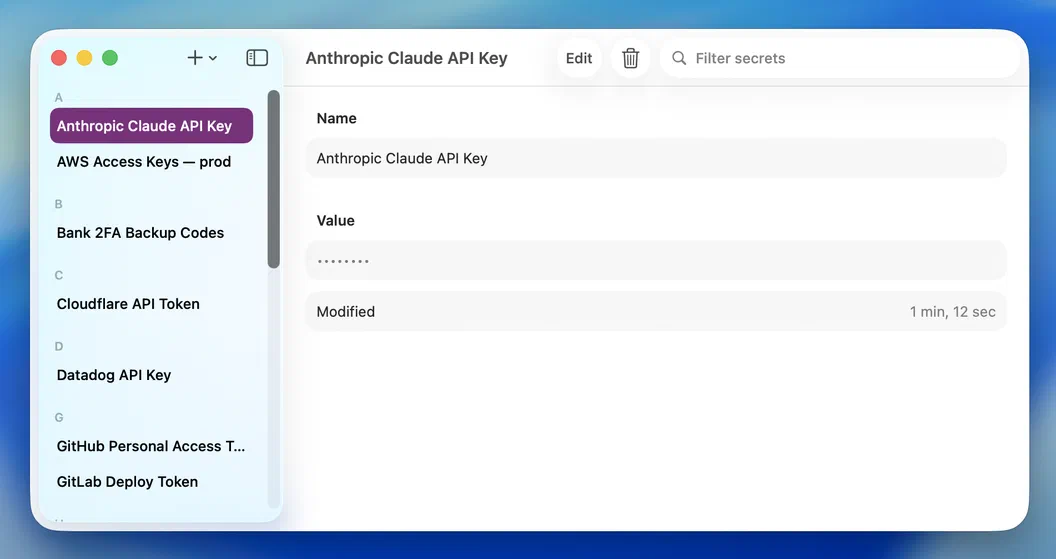
Secret Store's main window: an alphabetized list of secrets on the left, the selected secret's name and masked value on the right

Everything in one place.

API keys, access keys, database tokens, backup codes — the credentials that don't belong in a password manager's login form. Each one named and alphabetized in the sidebar, a search field away when the list grows. Select one to see its details; the value stays masked until you ask.
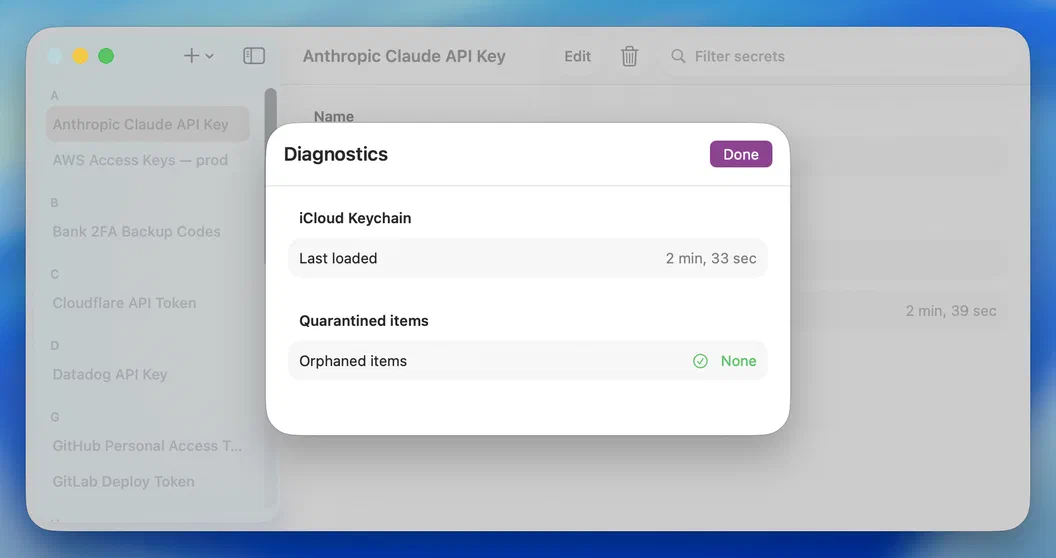
Secret Store's Diagnostics sheet showing the iCloud Keychain last-loaded time and zero orphaned items

Backed by Apple's iCloud Keychain.

Secret Store doesn't roll its own vault — your secrets live in Apple's iCloud Keychain, the same end-to-end encrypted store as your Safari passwords. Built-in diagnostics show when the keychain last loaded and confirm nothing's been left orphaned, so you can see for yourself that the store is healthy. No account, no server, nothing to configure.

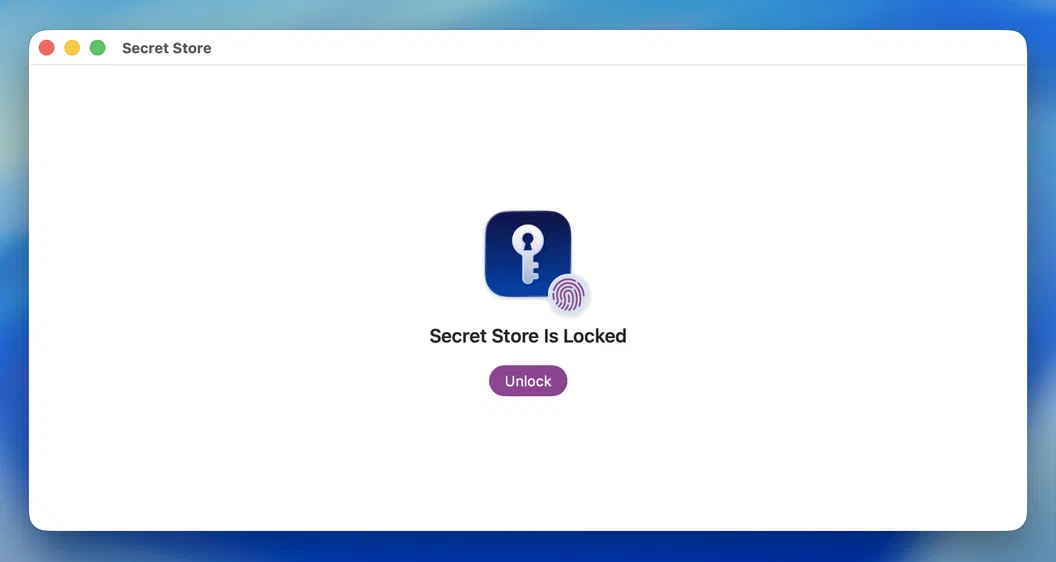
Secret Store's lock screen reading 'Secret Store Is Locked' with an Unlock button

Locks itself when you're away.

Leave Secret Store idle for five minutes and it locks itself — the same inactivity timeout Apple's Passwords app uses — plus the moment your screen sleeps or locks. Switch to another app mid-reveal and any visible value re-masks right away, so a Mission Control thumbnail never catches plaintext. Or lock it yourself the instant you want to.

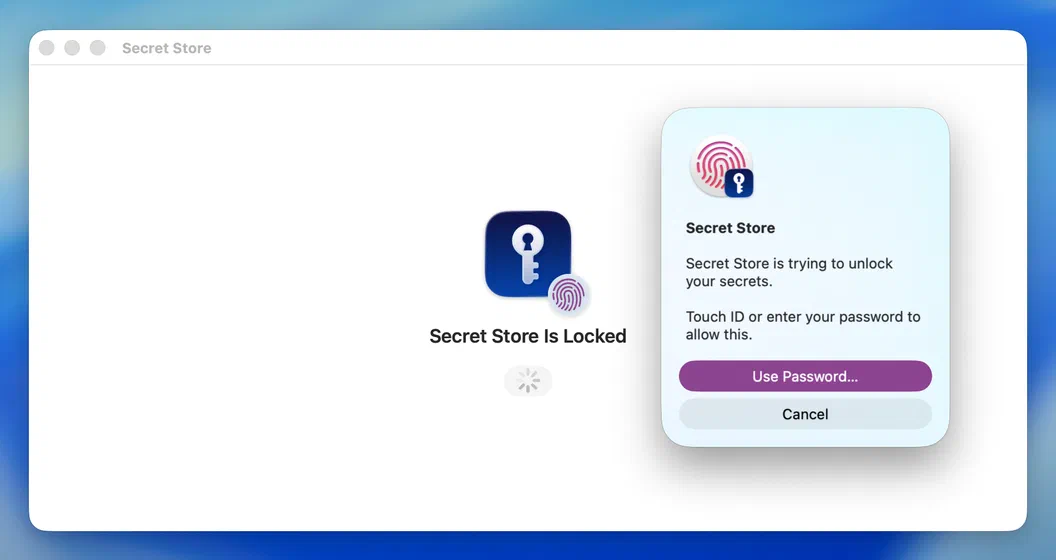
The macOS Touch ID prompt asking to unlock Secret Store, with a Use Password option

Your fingerprint is the key.

Unlocking runs through macOS itself — Touch ID, or your Mac's login password. The same gate that guards your Mac guards your secrets, and there's no separate Secret Store password to forget or for anyone to phish.

What goes in

For everything that isn’t a login.

Secret Store holds the sensitive strings a password manager’s login form can’t — and leaves the rest to the apps that already do them well.

Goes in Secret Store

  • API keys & access tokens
  • OAuth & app client secrets
  • Database & connection strings
  • Two-factor recovery & backup codes
  • SSH & GPG keys
  • License keys & private notes

Belongs elsewhere

  • Website logins — Passwords app
  • Credit card numbers — Apple Wallet
  • Passkeys — iCloud Keychain
  • Files, documents & certs — iCloud Drive
  • Photos or scans — Photos
  • Shared team secrets — Passwords shared groups

Security & privacy

The vault isn’t ours. That’s the point.

Secret Store doesn’t store, sync, or encrypt anything itself — your secrets live entirely in Apple’s iCloud Keychain, the same end-to-end encrypted store that holds your passwords. No Secret Store server to breach, no homegrown crypto to trust. We never see your secrets, and neither does anyone else.

  • End-to-end encrypted by Apple.

    Your secrets live in iCloud Keychain, encrypted on-device and synced through the same end-to-end channel as your Safari passwords. The data is sealed before it ever leaves your Mac.

  • We can't leak what we never hold.

    You don't create a Secret Store account, and there's no Secret Store server holding your data. Sync rides your existing iCloud Keychain — nothing routes through us.

  • Zero vendor cryptography.

    We never roll our own crypto, wrap your data, or derive our own keys. The encryption guarantee belongs entirely to Apple's keychain — there's no homegrown scheme to trust.

  • Locked behind Touch ID.

    Unlocking checks your Mac's Touch ID or login password. The vault auto-locks after five idle minutes — the same timeout as Apple's Passwords app — and whenever your screen sleeps or locks; any revealed value re-masks the moment you switch away.

  • Copies clear themselves.

    Copy a secret and the clipboard wipes itself 90 seconds later, unless you've copied something else since. The copy is also flagged so clipboard managers and Universal Clipboard skip it — a value you paste once doesn't linger for the next thing that reads your clipboard.

  • Doesn't phone home.

    No analytics, no tracking pixels, no third-party SDKs. The app has no general network entitlement at all — there's no channel for your secrets to leak out of.

  • Delete means deleted.

    Remove a secret and it's gone from your keychain, and the deletion syncs through iCloud Keychain like any other change. There's no Secret Store server keeping a copy, so nothing lingers after you delete it.

  • Sandboxed, least privilege.

    App Sandbox and Hardened Runtime are on. Secret Store can only read files you explicitly pick, and nothing more — no ambient filesystem access, no surprises.

Corey Daley

Built by Corey Daley

Made by one person. No team. No exit strategy.

I’m not an app farm. I’m not a marketing team. Email goes directly to me. If something’s broken, I’m the one who fixes it. If you have a feature request, I’m the one who reads it.

Free to start. Unlock once.

Free to download, and free to use for up to 10 secrets. Forever.

$4.99

One-time In-App Purchase — unlimited secrets.

  • Free for your first 10 secrets — no time limit
  • Pay once to go unlimited — no subscription, ever
  • Unlocks on every Mac you own — Family Sharing included
  • Every future feature included — one purchase, no paid upgrades
Download on the Mac App Store